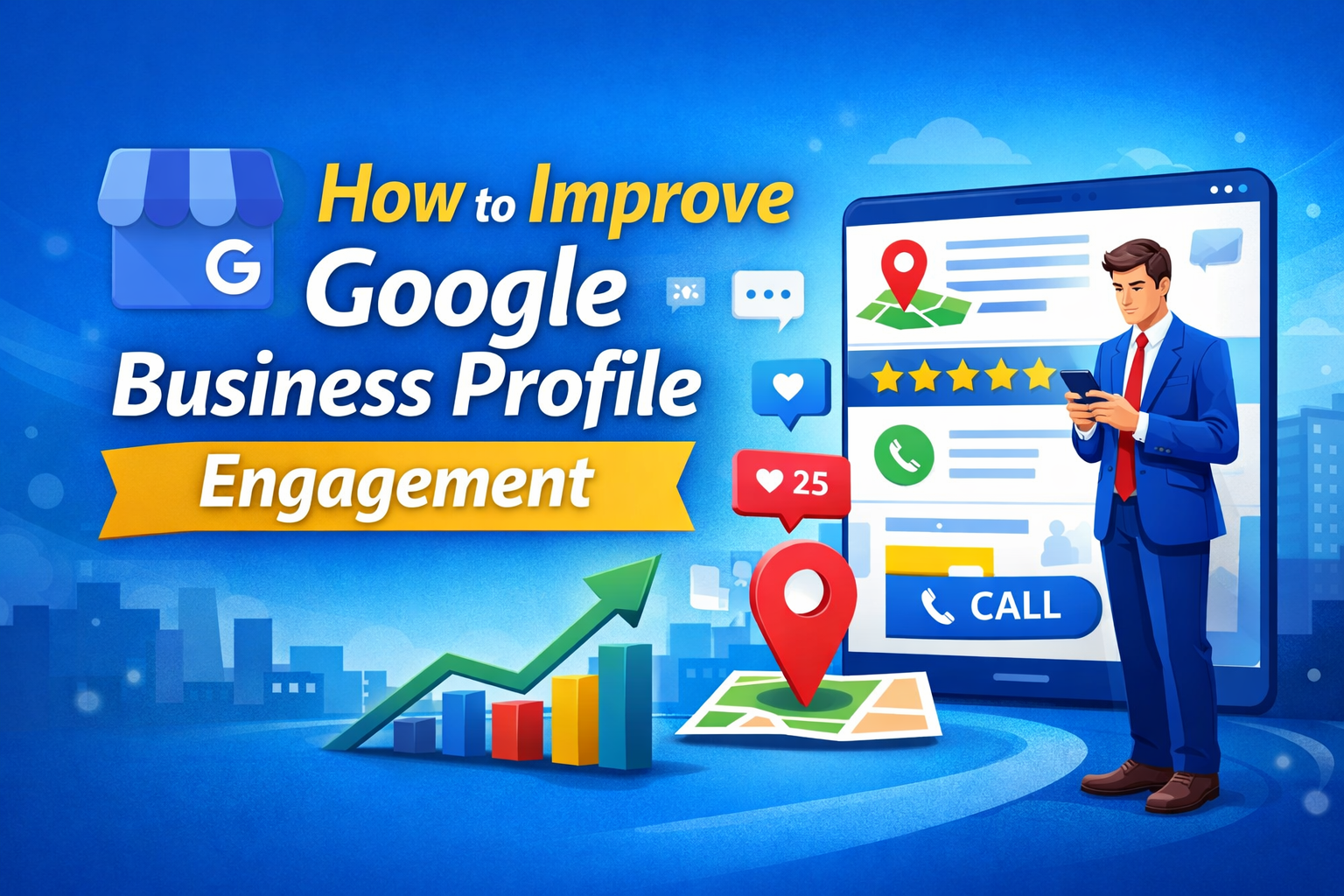
How to Improve Google Business Profile Engagement: 11 Powerful Strategies for Faster Local Growth
Introduction
If you want more calls, website visits, and walk-in customers from Google Maps, then understanding How to Improve Google Business Profile Engagement is extremely important for your local business.
Google Business Profile (formerly Google My Business) is no longer just a business listing. It has become a powerful local marketing tool that directly influences how customers find, trust, and contact your business. Profiles with higher engagement usually rank better, receive more inquiries, and convert more users into paying customers.
In this complete guide, you will learn 11 powerful, practical, and Google-approved strategies to improve your Google Business Profile engagement naturally and consistently.
Why It Is Important to Improve Google Business Profile Engagement
Improving engagement is not just about visibility—it directly impacts business growth.
1. Better Local Rankings
Google favors profiles that receive:
- More calls
- More direction requests
- More website clicks
- Higher photo views
Higher engagement sends positive relevance signals to Google.
2. Increased Customer Trust
An active and optimized profile with reviews, photos, and posts builds instant trust and credibility.
3. More Leads Without Paid Ads
Strong engagement brings organic leads without spending money on Google Ads.
4. Higher Conversion Rates
Users interacting with your profile already have buying intent, making conversions easier.
Step-by-Step Process: How to Improve Google Business Profile Engagement
Step 1: Fully Optimize Your Google Business Profile
A complete profile performs significantly better than an incomplete one.
Make sure you have:
- Accurate business name (no keyword stuffing)
- Correct primary and secondary categories
- Updated address and phone number
- Website URL
- Business hours and holiday hours
- Service areas (if applicable)
A fully optimized profile increases both trust and engagement.
Step 2: Write a Clear and Engaging Business Description
Your business description helps users understand your services quickly.
Best practices:
- Use all 750 characters
- Explain what you do clearly
- Mention your service location naturally
- Avoid promotional or spammy language
This improves user interest and interaction.
Step 3: Upload High-Quality Photos and Videos Regularly
Photos play a huge role in engagement.
Upload:
- Exterior and interior images
- Team and staff photos
- Service or work-in-progress photos
- Before-and-after images
- Short videos (up to 30 seconds)
Businesses with frequent photo updates receive more clicks and direction requests.
Step 4: Post Regular Updates on Google Business Profile
Google Posts keep your profile active and fresh.
You can post:
- Offers and discounts
- New services
- Events
- Business updates
Posting once or twice a week with a clear CTA like Call Now or Book Online improves engagement significantly.
Step 5: Enable and Respond to Customer Messages
Messaging allows customers to contact you directly.
Best practices:
- Turn messaging ON
- Respond within 24 hours
- Use polite and professional language
- Set quick replies for common questions
Fast responses improve customer trust and interaction rates.
Step 6: Get More Genuine Customer Reviews
Reviews are one of the strongest engagement and ranking factors.
How to get reviews:
- Ask customers after service completion
- Share your review link via WhatsApp or email
- Politely remind satisfied customers
Always reply to reviews—positive or negative—to show professionalism.
Step 7: Use the Questions & Answers (Q&A) Section
Many businesses ignore the Q&A section.
You should:
- Ask common customer questions yourself
- Answer them clearly
- Monitor incorrect answers posted by others
This reduces confusion and increases engagement.
Step 8: Add Products and Services
Adding services and products makes your profile more informative.
Benefits:
- Improves profile interaction time
- Helps users understand offerings clearly
- Encourages calls and inquiries
Use clear descriptions and quality images.
Step 9: Keep Your Profile Information Updated
Outdated information reduces engagement.
Regularly update:
- Business hours
- Phone number
- Website
- Seasonal offers
- Holiday schedules
Consistency builds long-term trust with Google and users.
Step 10: Monitor Insights and Improve Performance
Google Business Profile Insights show:
- Calls
- Website clicks
- Direction requests
- Search queries
Use this data to improve content, photos, and posts.
Step 11: Stay Active and Consistent
Businesses that understand how to improve Google Business Profile engagement know that consistency is the key. Regular updates, responses, and optimizations lead to long-term growth.
Common Problems and Their Solutions
Problem 1: Profile Gets Views but No Calls
Solution:
Improve CTAs, upload better photos, and optimize the business description.
Problem 2: Low Engagement Despite Good Rankings
Solution:
Post regularly, add videos, and encourage reviews.
Problem 3: Negative Reviews Affecting Trust
Solution:
Respond professionally and encourage more genuine positive reviews.
Problem 4: Profile Not Showing Properly
Solution:
Check categories, verification status, and NAP consistency.
Tips for Faster Verification and Better Performance
- Use a real business address
- Ensure signage is visible
- Avoid frequent edits during verification
- Choose video verification if available
- Match details with official documents
Verified profiles perform better and gain trust faster.
Trusted External Resources
For official and detailed guidance, refer to:
- Google Business Profile Official Website:
https://www.google.com/business/ - Google Business Profile Overview on Wikipedia:
https://en.wikipedia.org/wiki/Google_My_Business
Need Professional Help? (Internal Link)
If you need expert support for optimization, suspension recovery, or engagement improvement:
👉 Contact Us: https://gmbwala.com/contact-us/
Frequently Asked Questions (FAQs)
Q1. How long does it take to improve engagement?
Usually 2–4 weeks with consistent activity.
Q2. How often should I post on GBP?
At least once per week is recommended.
Q3. Do photos really increase engagement?
Yes, regular photo updates significantly increase interactions.
Q4. Is Google Business Profile engagement free?
Yes, all core features are completely free.
Q5. Does engagement help rankings?
Indirectly yes, engagement improves visibility and relevance signals.
Final Conclusion
Now you clearly understand How to Improve Google Business Profile Engagement using practical, proven, and Google-safe strategies. By optimizing your profile, posting regularly, managing reviews, and staying active, you can turn your Google Business Profile into a powerful lead-generation asset.
Consistency is the key. Start applying these steps today and watch your local visibility, trust, and customer inquiries grow naturally.
🚀 Success starts with engagement—optimize smartly and grow faster.